
Creating Stripe Account
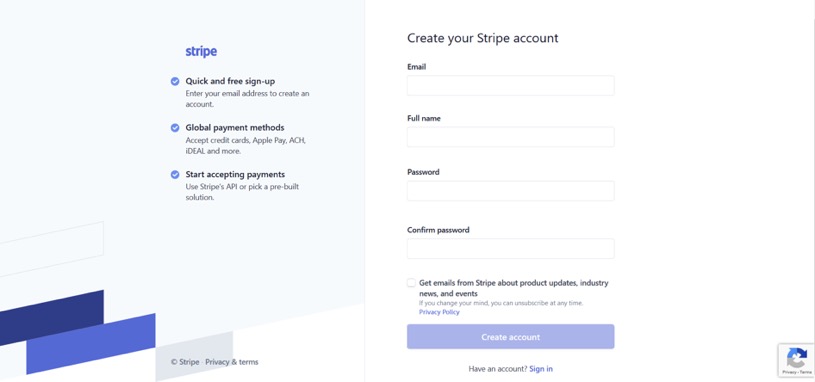
[vc_row css=”.vc_custom_1595219701306{padding-top: 20px !important;}”][vc_column][vc_empty_space height=”20px”][vc_column_text]1. Visit https://dashboard.stripe.com/register
2.Enter details:
a.Email
b.Full Name
c.Password
d.Confirm Password
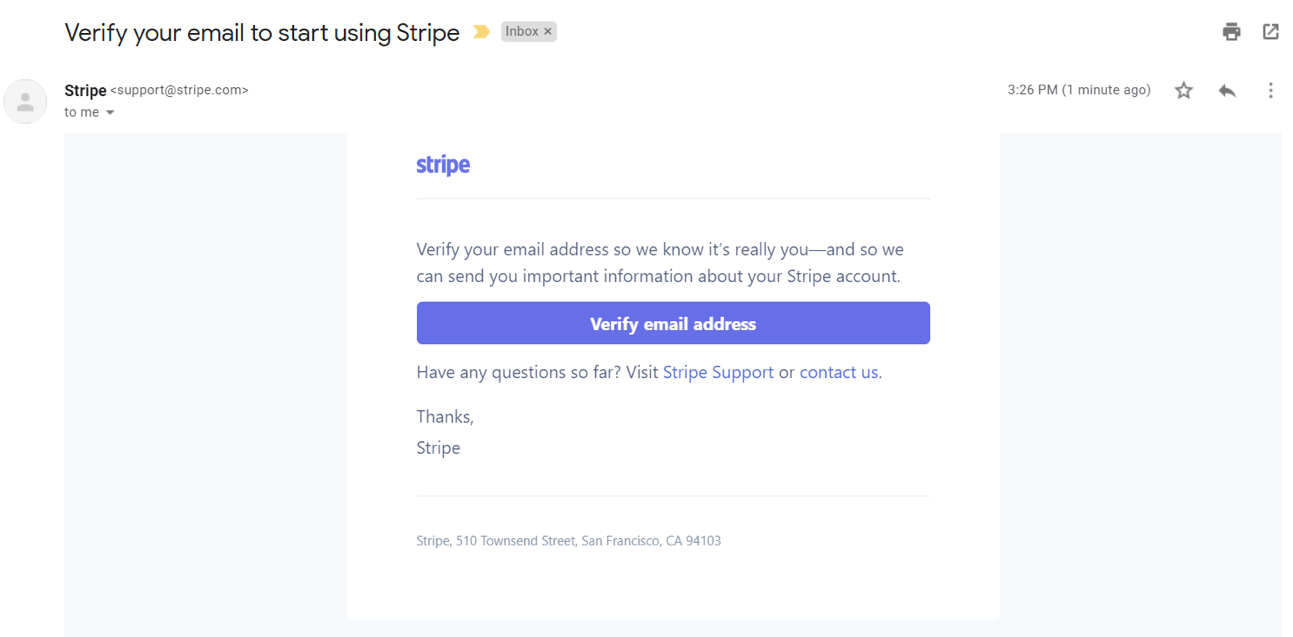
 [/vc_column_text][vc_empty_space height=”20px”][vc_column_text]3.Verify your Stripe account
 [/vc_column_text][vc_empty_space height=”20px”][vc_column_text]4.Stripe API keys https://stripe.com/docs/keys:
a. Publishable Key: to identify account with Stripe, allow you to create token
b. Secret Key: keep it confidential! Should only be stored on your own server. Can allow you to perform any API request to stripe without restriction
c. There will be a TEST API and LIVE API
5.Test API / Live API can be found on dashboards
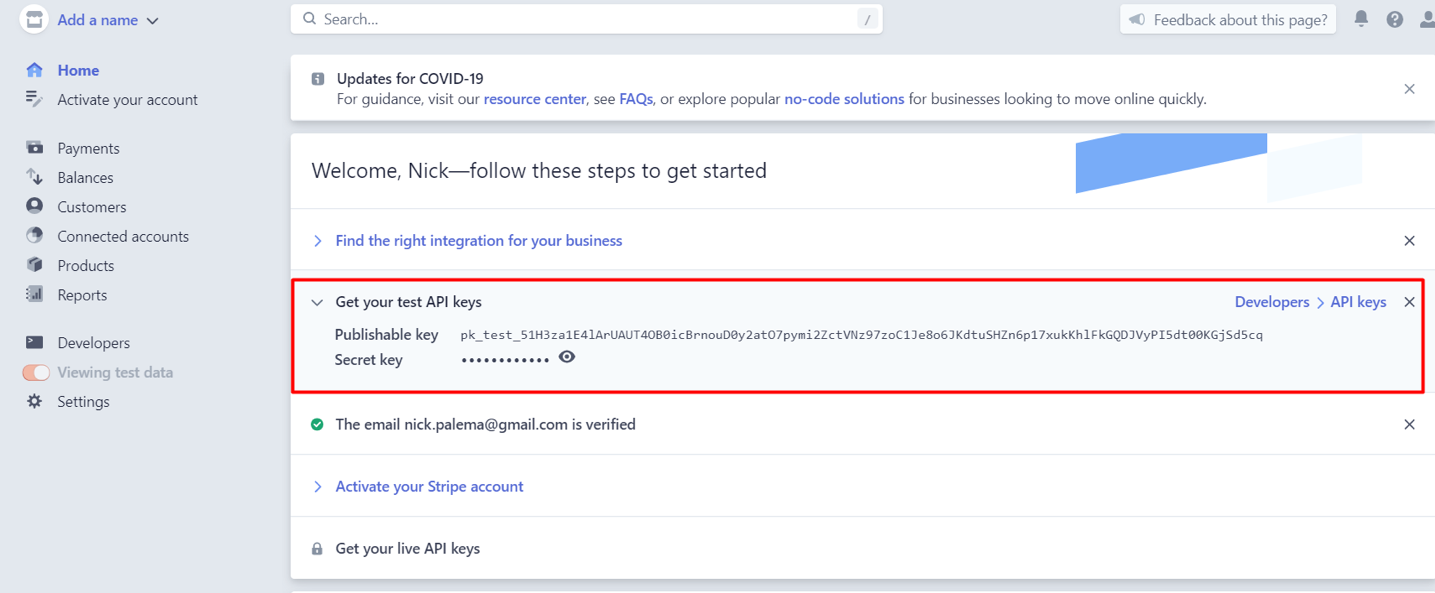
6.Click “activate your stripe account” and input required details to receive Live API.[/vc_column_text][/vc_column][/vc_row]