How Can We Help?
How to archive Thunderbird email to local folder
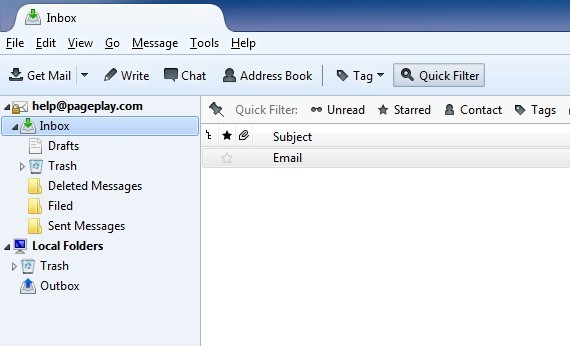
Step 1: Open your thunderbird
Step 2: Setup archive
folder
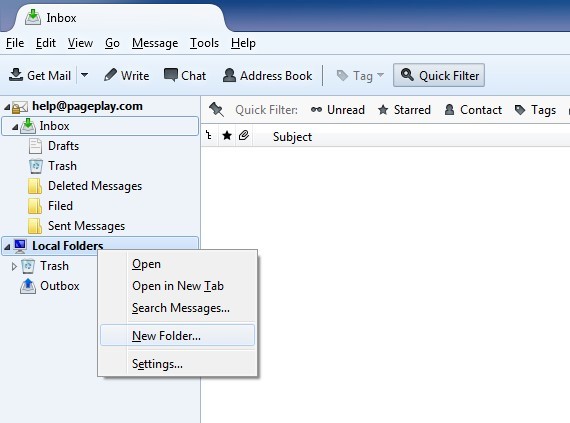
Create a new archive folder, right click on the “Local Folders”
heading on the left hand column and then click on “New Folder”
Step 3: Name the folder
You will then need to give the folder a name, here we have entered “Archive” for example.
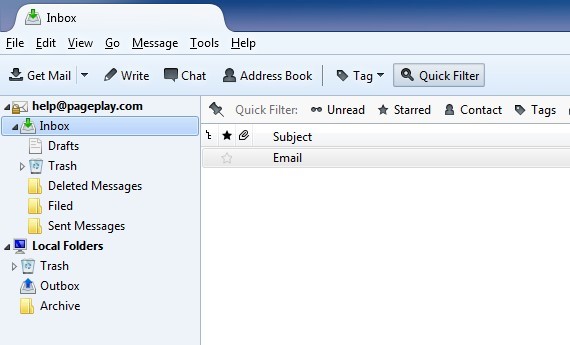
Step 4: Move emails
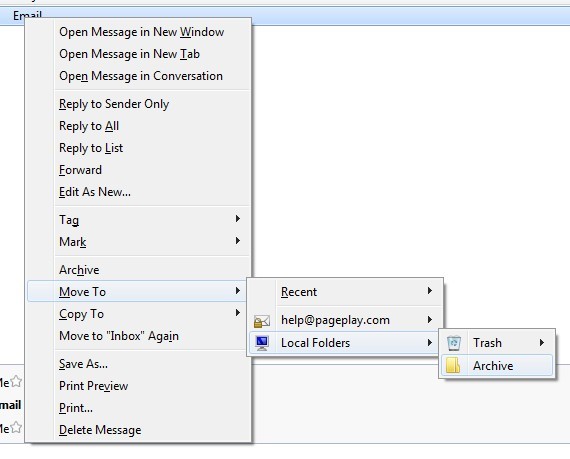
You can now either drag and drop emails from your Inbox to your archiving folder in the left column, or you can right click on emails and choose to move them. *You can drag and drop or choose to move multiple emails at once.