
Free email programs for Windows
Free email programs for Windows Computer
Claws Mail
http://www.claws-mail.org/
Claws Mail isn’t hard to use, but it is best suited to more experienced users who want to get into its custom mail filtering and support for an unlimited number of email accounts.
Unlike the other free email clients here, Claws requires users to set up their POP3/IMAP settings manually. If you use Gmail, you may also need to adjust your Google account settings and grant access for potentially less safe applications – something you might well prefer to avoid.
Unusually for a modern email client there’s no option to send HTML messages – Claws is plaintext-only – but by omitting potentially unnecessary features, Claws can run at lightning speeds. Its search function is particularly good, and it’s expandable via plugins too.
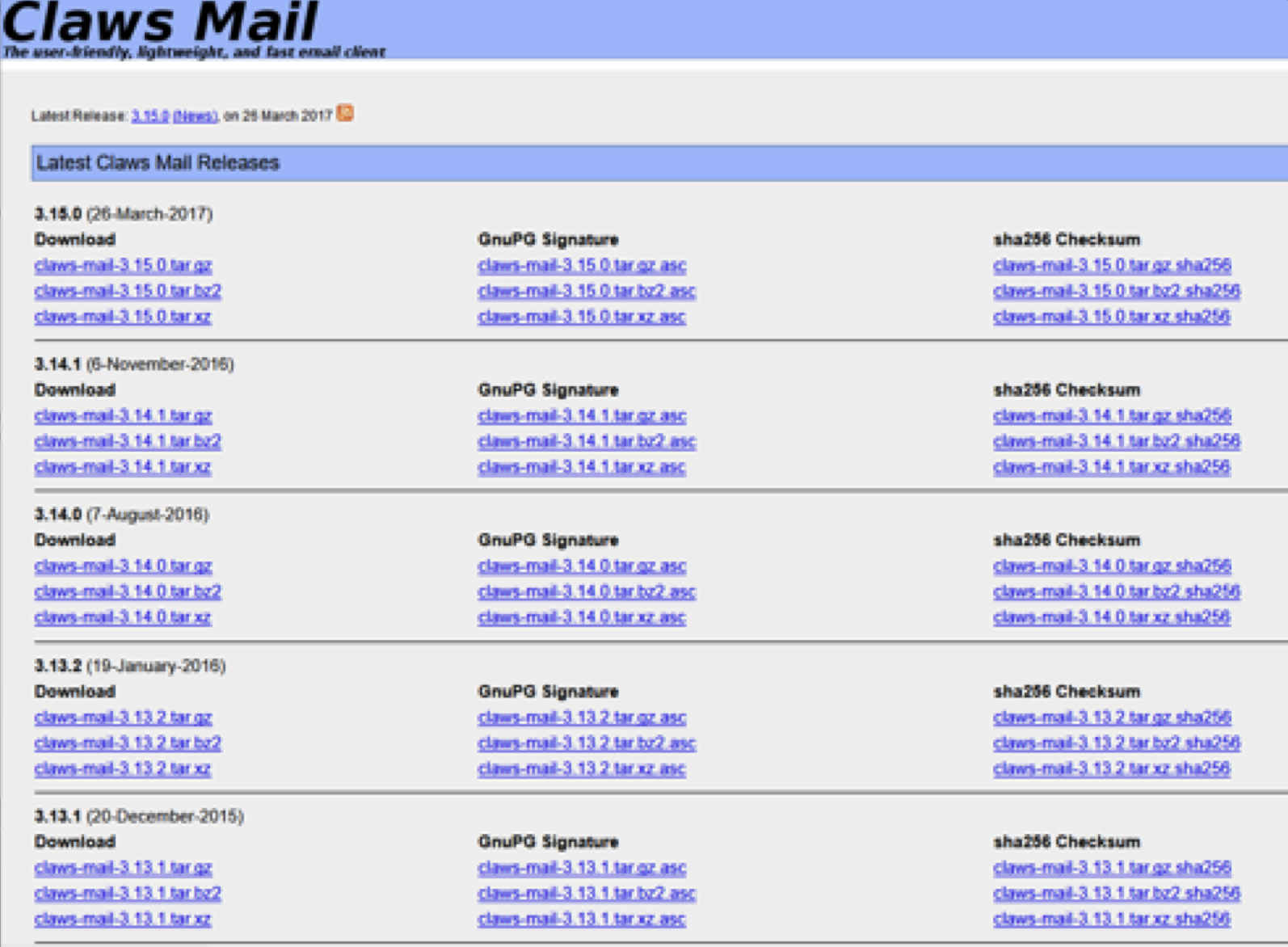
To download it:
You could click the latest version: e.g. Claws-mail-3. 15.0.tar.gz
Open the zip file and proceed to download it.
Downloading Mozilla Thunderbird
Mozilla Thunderbird is a free email client. Its features can be extended; with a huge range of third-party add-ons. Some of its built-in features include the ability to link files that are too big to email and the ability to read RSS news feeds alongside your email.
Setup is straightforward; as with most modern email clients, all you need are your usernames and passwords, and Thunderbird takes care of the rest.
To start click on this link as shown below:
https://www.mozilla.org/en-US/thunderbird/
Click on ‘Free Download’
Save the file and follow the instructions.
Downloading Mozilla FireFox
Click this link here: https://www.mozilla.org/en-US/firefox/new/
Click on ‘Free Download’
Save the File Setup and simply follow the instructions