
How Can We Help?
Selection of corporate colors
Selection of corporate colors
Unsure of what colors to choose from or unsure of selecting a range of colors to go together? Follow these steps for a head start.
Click on the first link below to access the ‘super-fast color schemes generator’
(Generate a random color combination to suit your color theme)
OR
Click on the second link on the third page of this word doc to access the ‘Paletton’
(focusing on different shades )
To start a random color combination:
- On the website, click on the “start the generator, its free!” label
- Click on the ‘Explore’ Tab
If you already know that you want a specific color theme:
-
-
- Click on the ‘Explore’ Tab
- Under the Filter Tab, type in a specific color theme that you want / select from the list shown
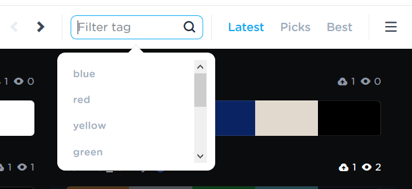
- Click on the arrow button [>] to look through the different combinations of colors that are up for suggestions
- When you see a color combination that satisfies you, hover your mouse to the item and click ‘export’.

- And there you go, you will see that these colors have their own HEX number.
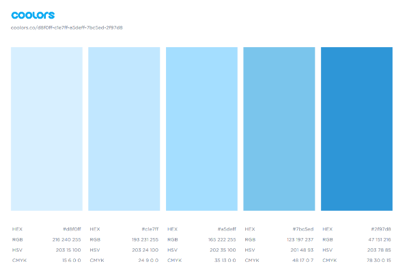 You can always send this to your web designer, which provides him/her specific information about the colors that you want to be incorporated into the design components of your business.You can always key the HEX number into the ‘Generate’ page, and make slight adjustments, if necessary.
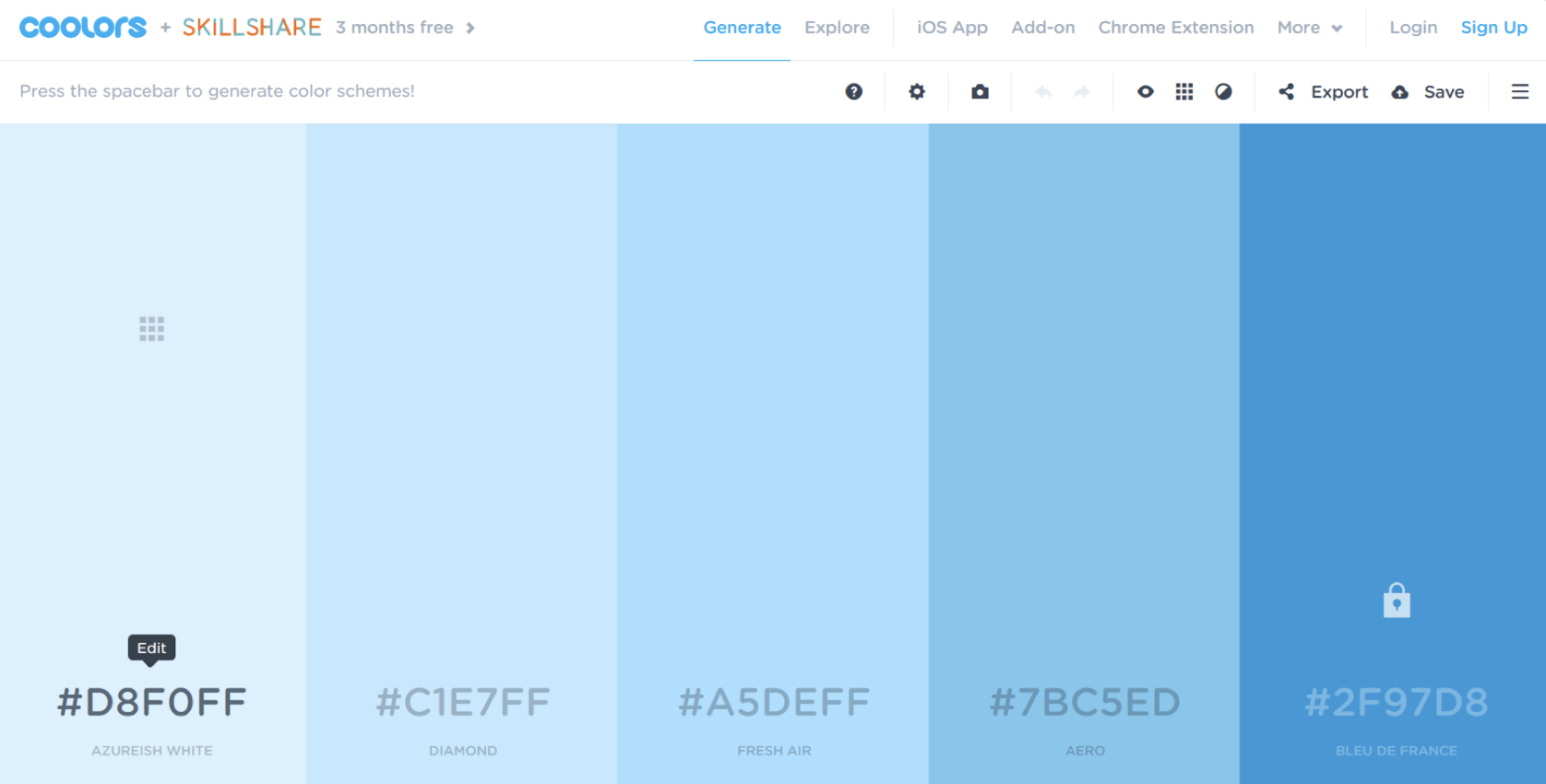
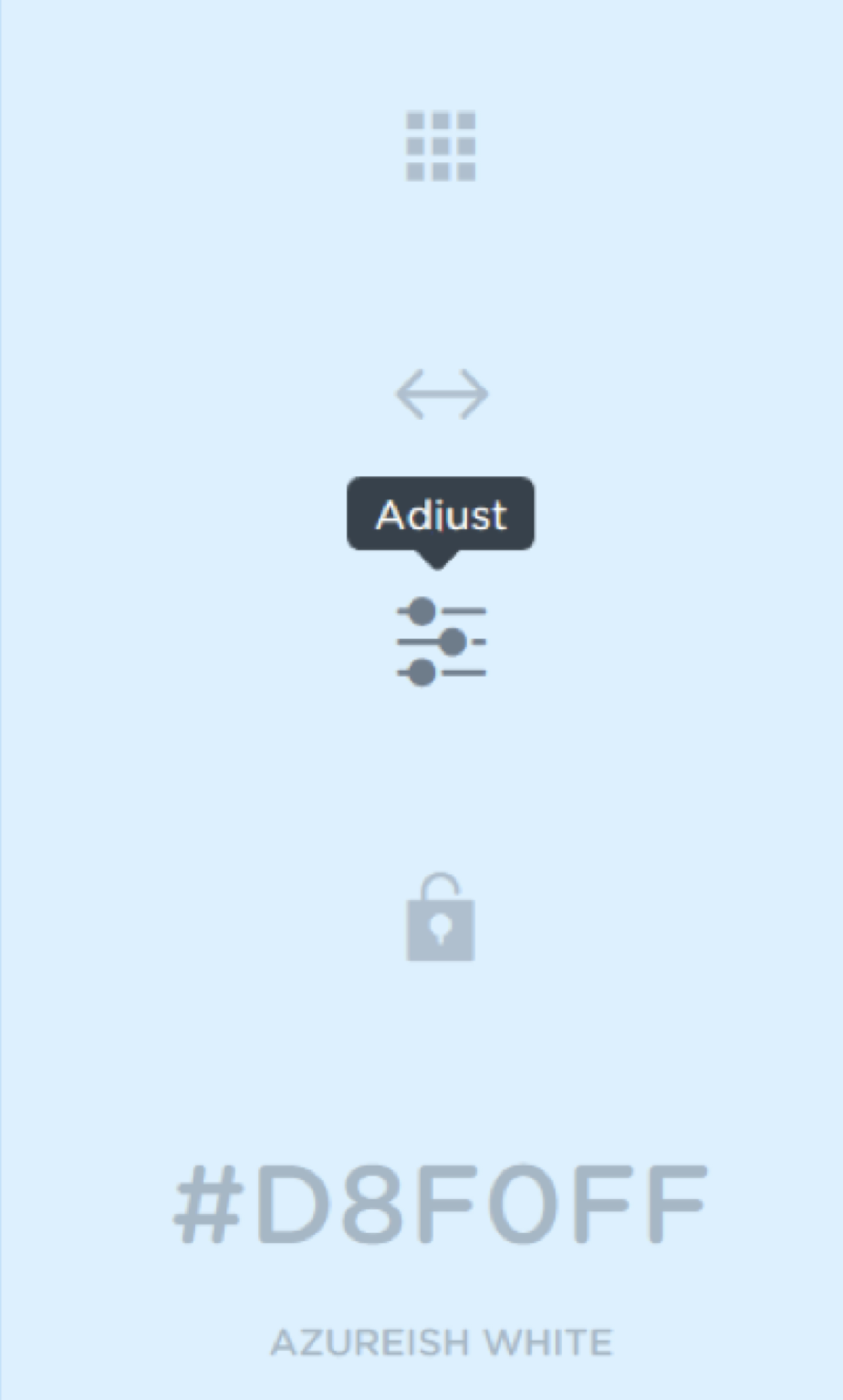
To randomize the color combination, on the ‘Generate’ page, just hit ‘spacebar’.Remember to click the ‘lock’ symbol on the columns to fix the colors so that that column will not be randomize and changed by the generator when you hit ‘spacebar’.
http://paletton.com
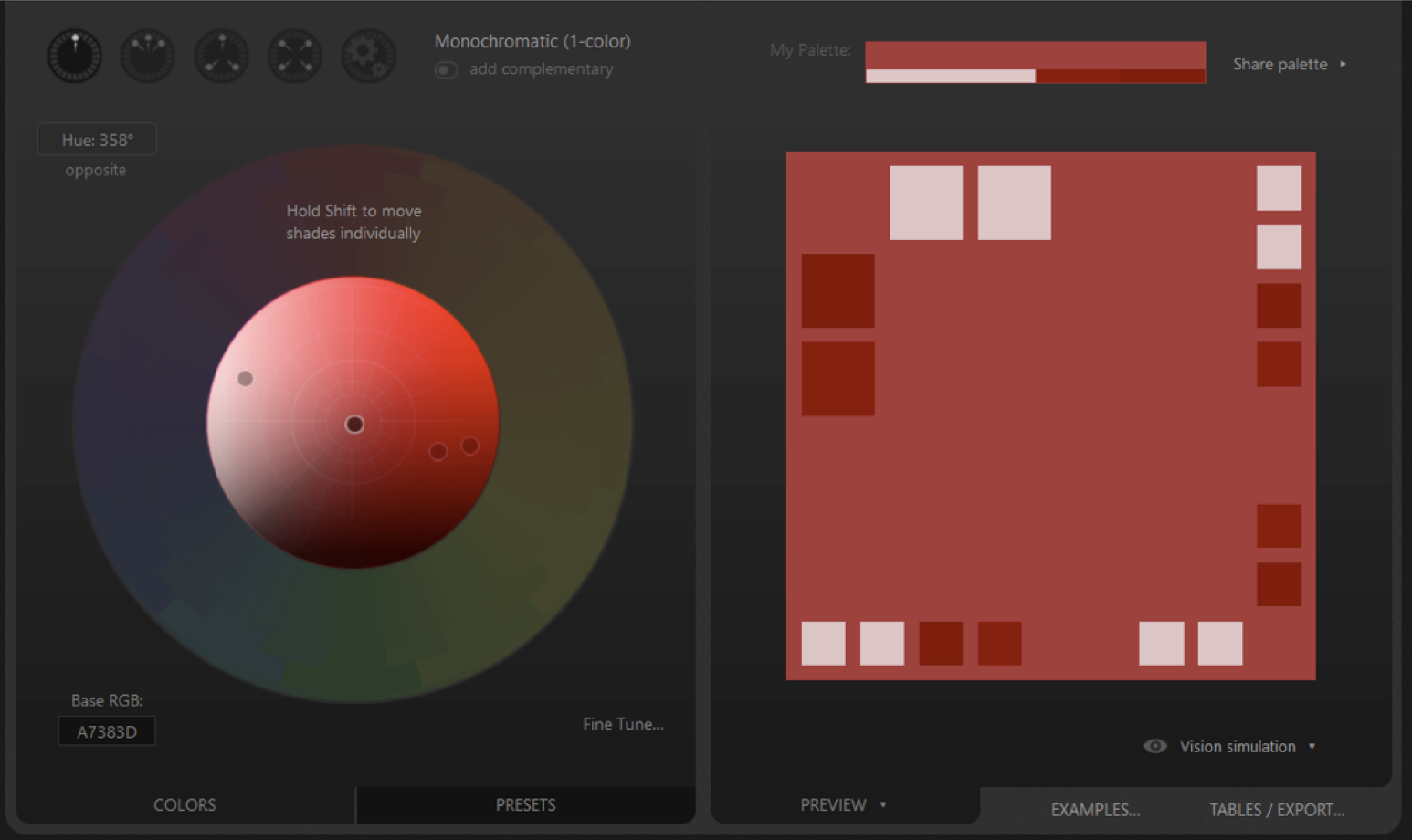
Note that this program focuses on finding the different shades of a specific color. -
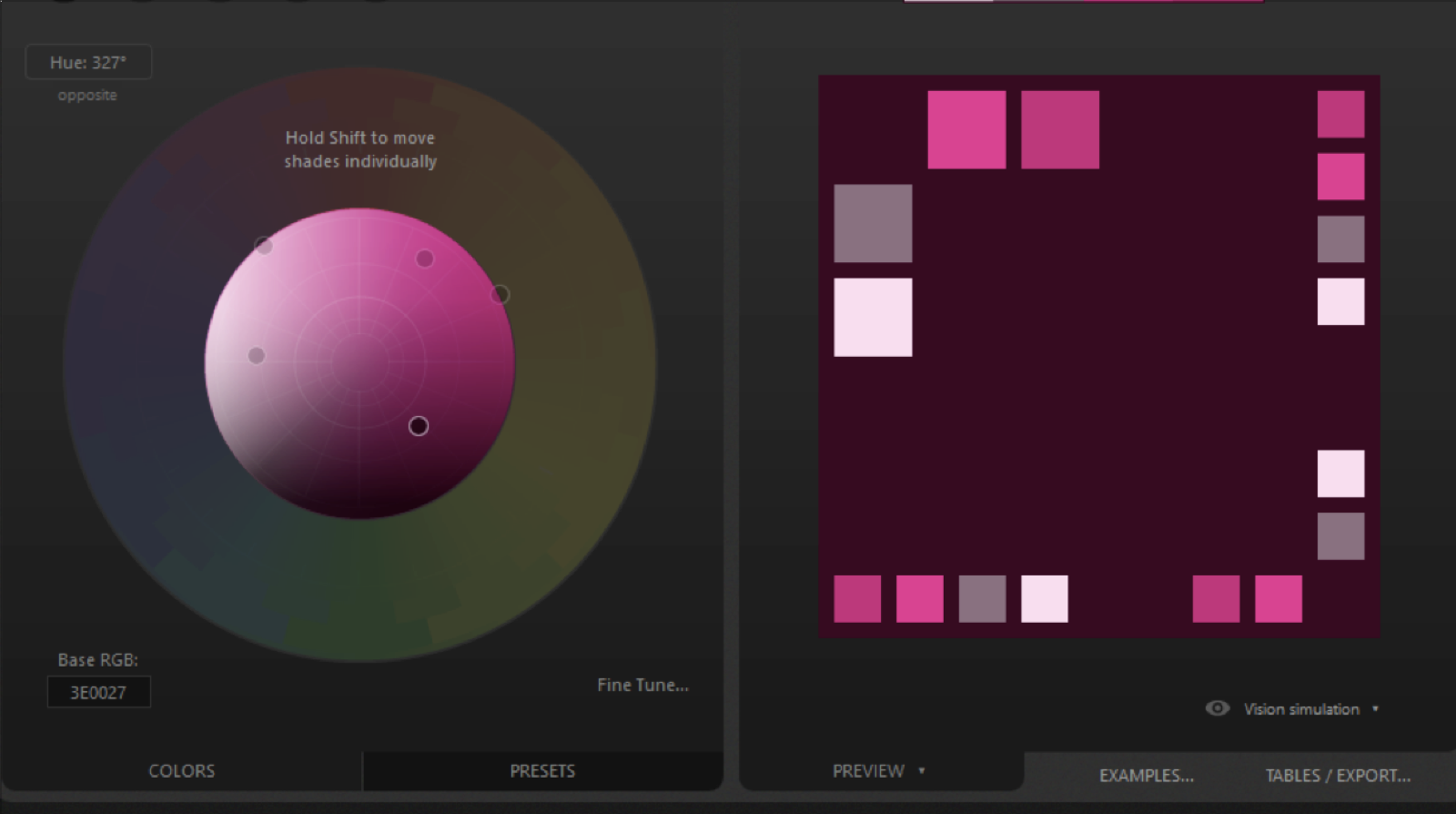
-
- As you can see from the center of the circle, there are 6 dots placed there. Hold the shift button to move an individual dot manually.
-
- When you do that, your shades will be more varied.