QODE Bridge FAQ
QODE – Bridge Theme
How to Create a New Page?
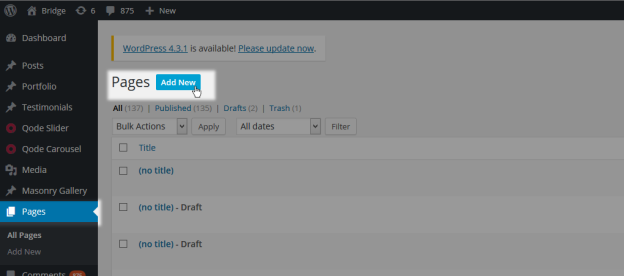
WP Admin> Pages > Add New
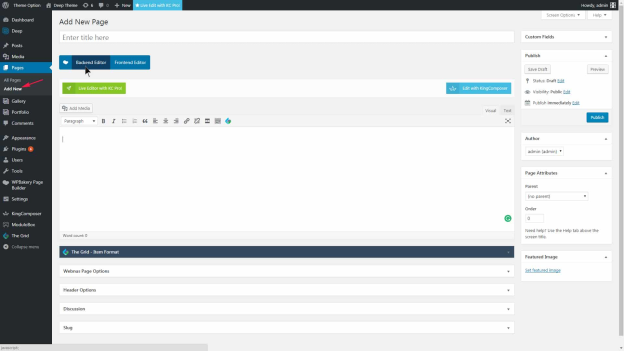
Select Backend Editor
Select Add element
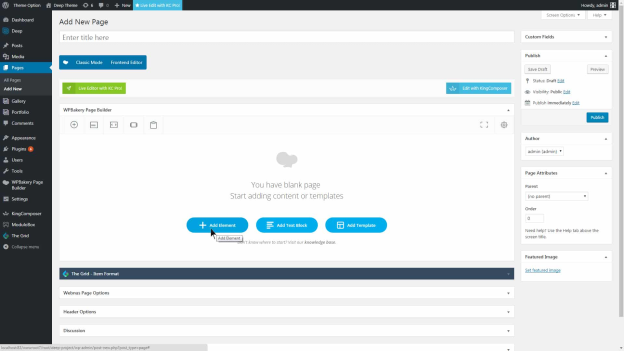
Main Element
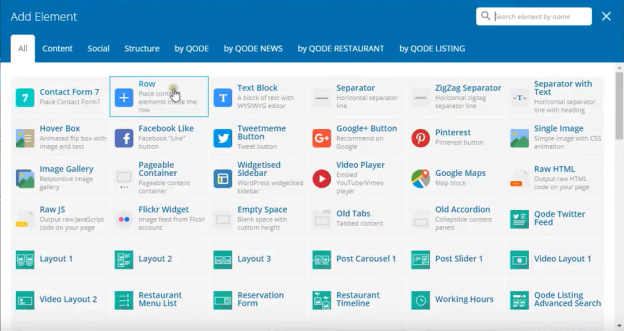
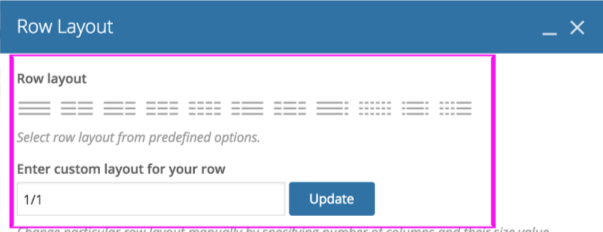
Adding Row Layout
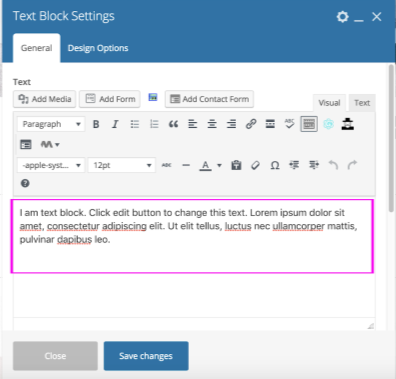
How to add text boxes?
Click on the plus icon, then add the row element.
Add the text block element.
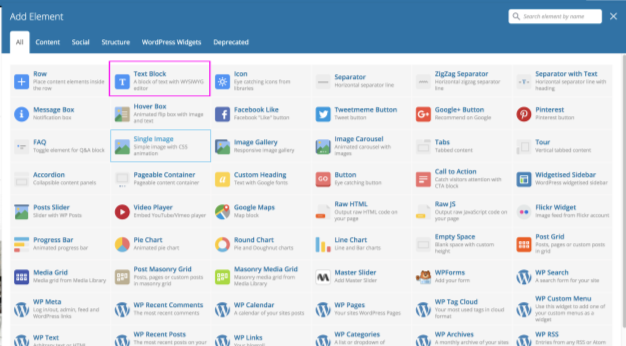
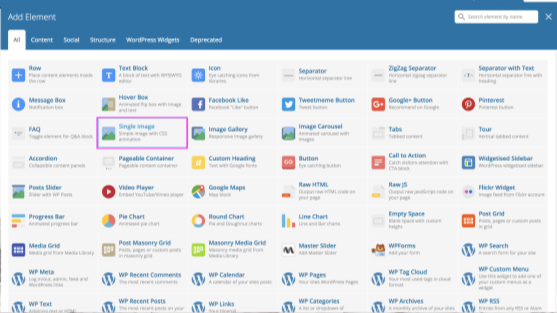
Add single Image
Click on the Single Image option in the menu. This will bring you to your Single Image settings:
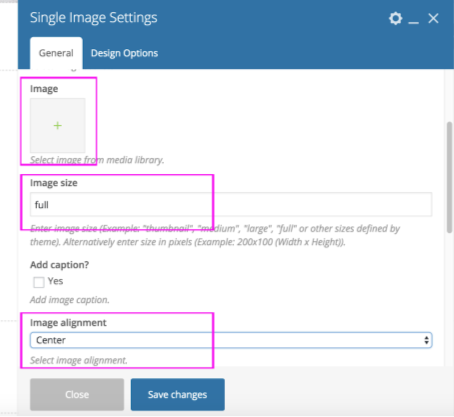
Click on the plus sign under Image to upload your image
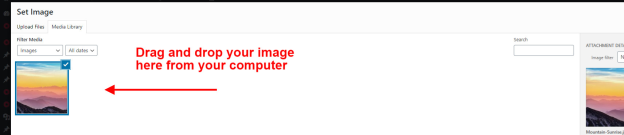
Open Media Library
Set the image size to full
You might want to add a link to your image, scroll down further in the popup, and choose “Open Custom Link” under On Click Action. Under Image Link, just type in the URL that you want the image to link to.
And if you want your image to open in a new window, choose New Window under Link Target. Be sure to save your changes by clicking on the blue Save Changes button.
How to embed maps?
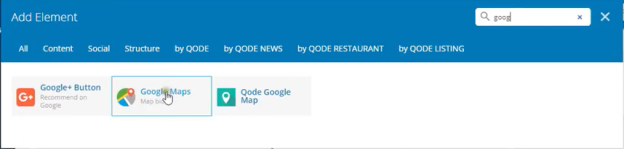
Create a new row, then add the Google Maps element.
Go to Google Maps and find the location of your business
Select share or Embed map.
Select Embed map.
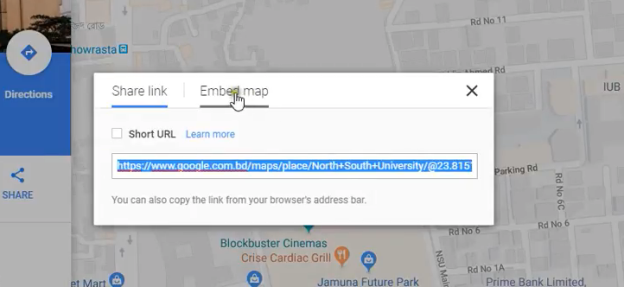
Copy the link
Go back to your website.
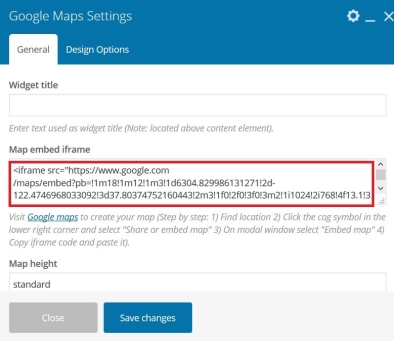
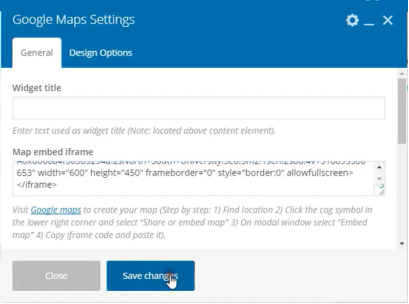
Paste the copied link over the Map embed iframe. Click save.
How to add videos (embed videos)?
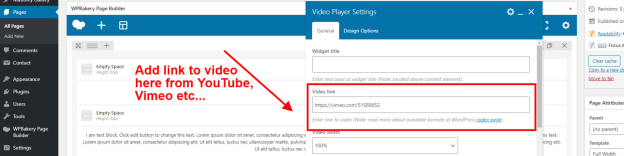
Add a row, then add the Video Player element within the row.
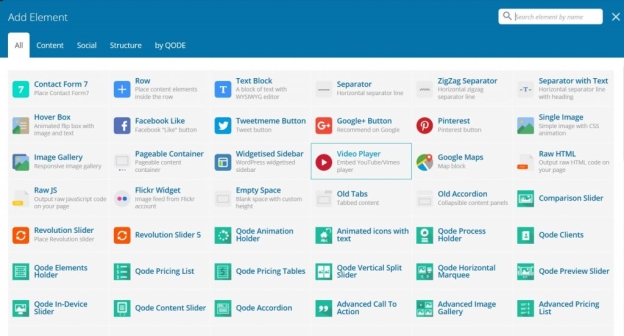
Copy and paste the link address for the video that you wish to embed within your web page