How Can We Help?
Creating email on Cpanel
How to Create An Email Account in cPanel
In order to create a new email account in cPanel, follow the instructions below:
How to create an email account in cPanel Basic Theme:
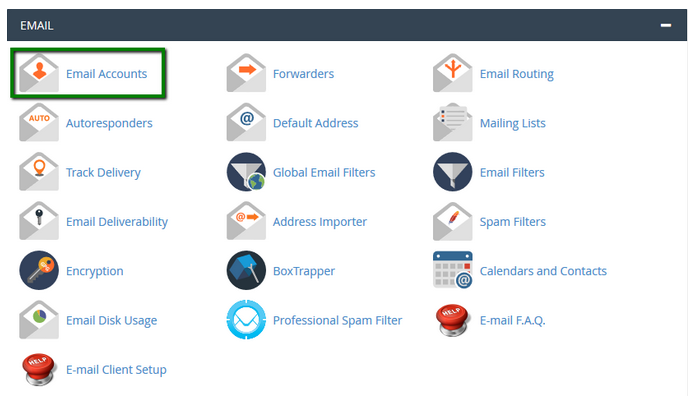
- Log in to your cPanel>> Mail section >> Email Accounts menu.
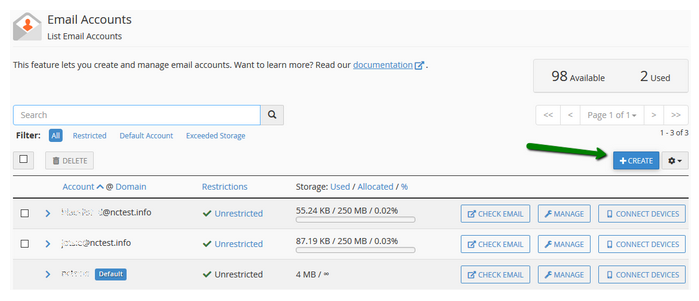
- Navigate to the + Create button:
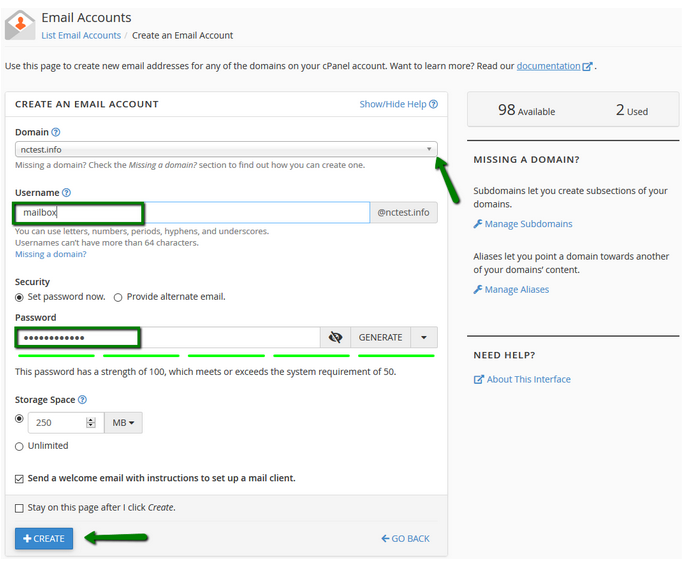
- If you have multiple domains, select the domain you want your email account to be associated with in the drop-down list in the top right corner and enter the desired email. It is possible either to set the password right away: or provide an alternate email (the system will send an email with a password configuration link).